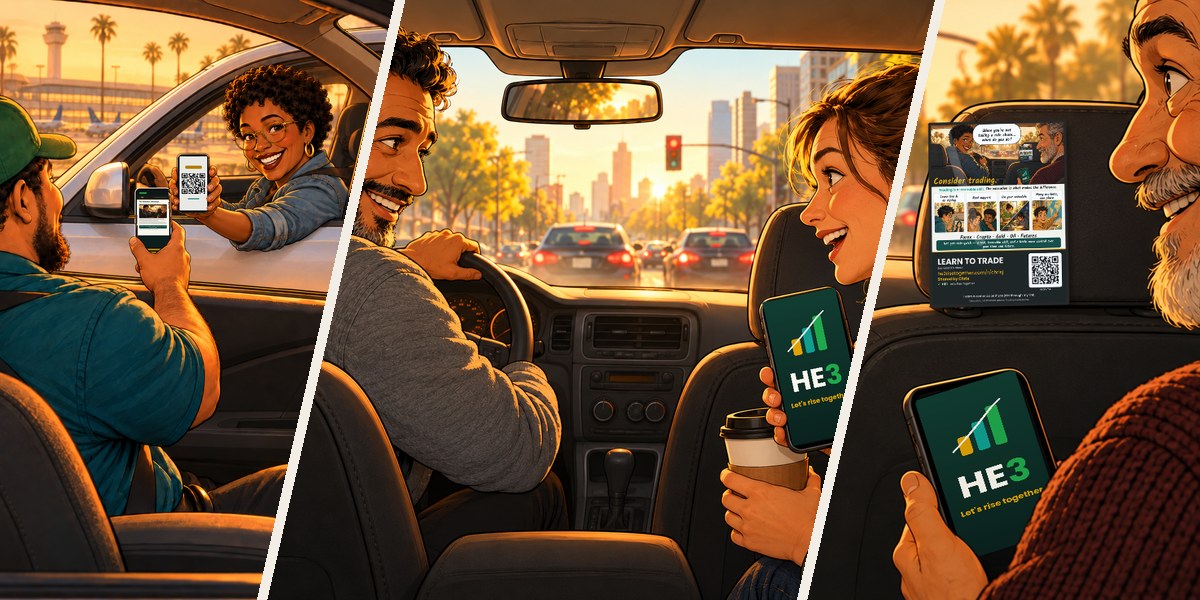
Rideshare kit
Headrest posters for drivers, with your own QR code, link and name. Print, slide into a headrest sleeve, and let the poster start the conversation.
Open kitEverything you need to understand the 1House opportunity and share it with others.
Headrest posters for drivers, with your own QR code, link and name. Print, slide into a headrest sleeve, and let the poster start the conversation.
Open kit
Pick a scenario, add your HE3 link and name, then download print + social versions of your own referral poster.
Open tool
Pick a ready-made post, add your HE3 link and name, and download it for your feed, story or profile — with your own QR code on it.
Open tool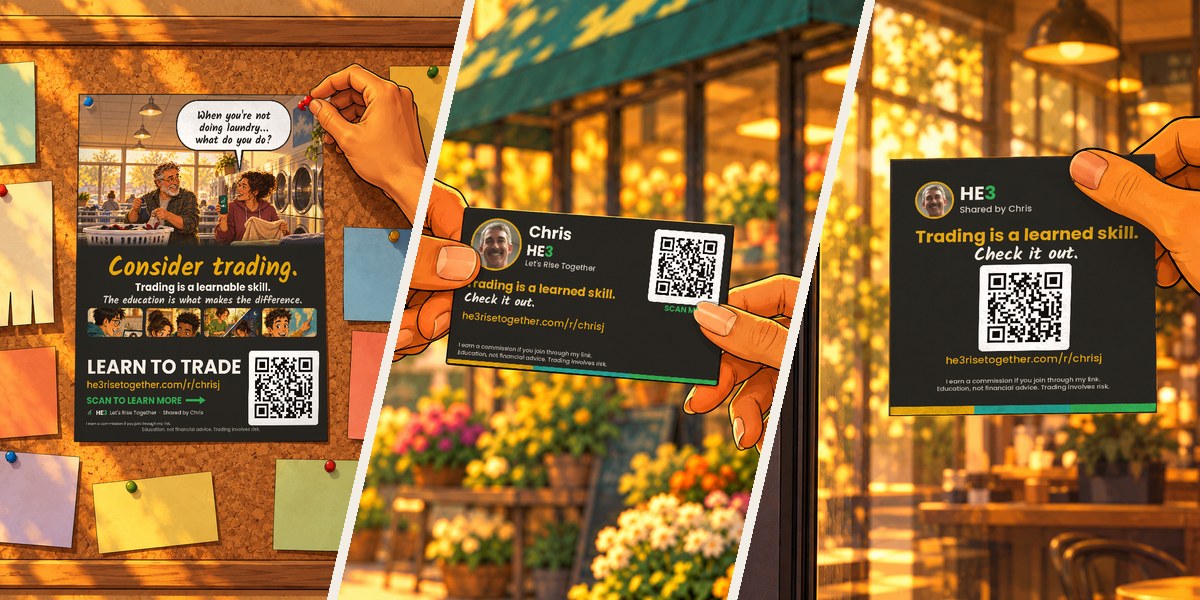
Flyers, business cards and sticky notes with your photo, link and QR code.
Open toolA short intro plus seven answers to the questions people actually have before joining.
See all seven answersThe three-step path in one short video: learn, practice, share.
A full walkthrough of the platform, the education, and the community.
Hear it in Chris's own words.
A one-minute tour: the six stops, where the tools live, and how to get back.
Your link: he3risetogether.com/r/yourname. Whoever opens it sees your picture and name at the top of every page.
Getting around: tap the HE3 logo (top left) for Home, or the menu (top right) for everything else.
Inside the tools: tap any picture to see it up close, tap ← Resources to go back, tap ↑ Top to jump to the top.
To share: tap SHARED BY at the top. You can text it, or send it by WhatsApp, Facebook, X, LinkedIn, Instagram, email or Email with picture. You can also copy the link or show your QR code.
Email with picture: tap Email with picture and add their address, then press and hold in the message and tap Paste.
One tap to HE3, like an app. Pick your phone and follow along.
The three-step path: learn, practice, share.
Why HE3 exists and what makes the tools shareable.